
The Tasks You Should Already Be Automating
This is where the gap usually shows up.
Most businesses automate a few things.
Very few automate the right things consistently.
Check out statistics on pain points that are a result of not automating
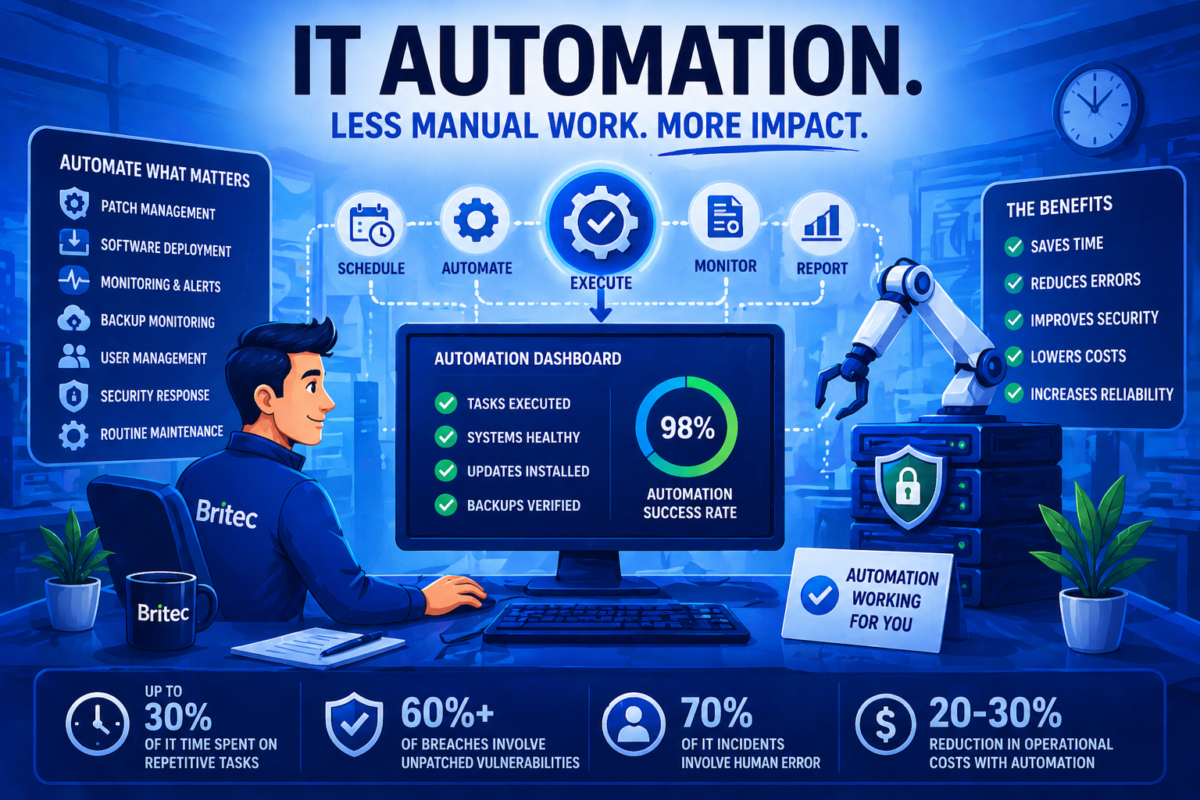
- Businesses spend up to 30% of IT time on repetitive manual tasks
- 60%+ of breaches involve unpatched vulnerabilities
- Human error contributes to nearly 70% of IT incidents
- Automation can reduce operational costs by 20–30% over time
Here’s where to start:
1. Patch Management (Across Everything)
Patching isn’t optional—and it’s not just Windows updates anymore.
You should already be automating:
- OS updates
- Third-party applications (browsers, PDF tools, etc.)
- Security patches on a defined schedule
Manual patching creates inconsistency.
Inconsistency creates risk.
2. Routine Maintenance Tasks
Small issues build up quietly.
Automation should handle:
- Disk cleanup
- Temporary file removal
- Scheduled reboots
- Performance checks
These are low-effort tasks—but skipping them leads to slow systems and frustrated users.
3. Monitoring + Auto-Remediation
Alerts without action don’t solve anything.
Modern setups should:
- Monitor system health (CPU, memory, disk)
- Trigger alerts when thresholds are hit
- Automatically resolve known issues (restart services, clear locks, etc.)
This is where automation starts to feel like real value.
4. Software Deployment (Without Disruption)
Installing software manually across multiple users is a time sink.
This should already be automated:
- Silent installs
- Version updates
- Scheduled deployments outside working hours
The goal is simple: users keep working, IT handles the rest in the background.
5. Backup Monitoring (Not Just Backup Itself)
Backups often run automatically—but monitoring them doesn’t.
You should be automating:
- Backup success/failure alerts
- Verification checks
- Escalation if backups fail repeatedly
Because a backup that fails quietly isn’t a backup.
6. User Onboarding and Offboarding
This is one of the most overlooked opportunities.
Automation can handle:
- Account creation
- Permission assignment
- Software access
- Account deactivation and data handling
It reduces errors and ensures consistency—especially as you scale.
7. Security Response Actions
Some security responses should happen instantly—not after someone reviews a ticket.
Automation can:
- Isolate infected endpoints
- Disable compromised accounts
- Trigger alerts and escalation workflows
Speed matters here. Minutes make a difference.
Why should you care?
Because manual processes don’t scale.
They create:
- Inconsistency
- Delays
- Human error
- Missed steps
And those issues don’t show up all at once—they build over time.
Automation isn’t about doing more.
It’s about removing friction from the way your business operates.
When done right, it makes systems feel lighter, faster, and more predictable.
What can you do?
Start simple.
You don’t need to automate everything—but you do need to identify where your team is repeating work.
Ask:
- What tasks are we doing the same way every week?
- Where do mistakes or missed steps happen most often?
- What alerts require the same response every time?
Those are your starting points.
From there, the goal is consistency—not complexity.
Britec Helps
Automation isn’t about adding more tools. It’s about using the right ones properly.
At Britec, we design and implement automation within your IT environment so routine tasks are handled consistently, systems stay maintained, and your team can focus on what actually moves the business forward.
Britec helps you stay ahead with smart IT and secure solutions.